T490 has been good to me with Linux despite my abuse, Im on my third lcd panel and going strong, no real llm capabilities in mine though.
- 4 Posts
- 147 Comments
Joined 3 years ago
Cake day: July 4th, 2023
You are not logged in. If you use a Fediverse account that is able to follow users, you can follow this user.
On an unrelated note, if someone tries to rugpull a foss license, but Claude is listed as a committer, can the license be changed? I thought licensing ai code was basically a no-go since copyright has been scrapped for ai output??? I’m sure that won’t last.

The easy thing is to just format them ext4 and use them as extra data storage.
Edit 2: don’t delete the efi partition!!! Move that just like your system partition. Unless you want to learn how to rebuild it :) unless you’re using Windows boot manager you can remove the Microsoft folder from the efi partition as well
The good news is your system partition is small so you can delete the first two partitions. Make a small boot partition if you want, make a new system partition second ( bigger than your current one), copy the existing system partition into the new one (without deleting the old one), boot into the new system partition, test that it works, then expand the fs to fill the partition. Then you can move your home partition if you want or just make your system partition huge to fill the space up to your existing home partition, then delete the last partitions an grow your home partition to fill the disk
Edit: once you know the new system partition works you delete the old one.
That’s what the martians said about Earth

Nixos, meaning to try Gnuix but I got projects to finish!

 87·8 months ago
What is this, open source software for ants!?!
This whole story is ridiculous. Put it behind a compile flag and merge it, we all know first across the finish line gets bonus 5 years of standardization.
It’s the law that’s a problem, not the software.
Yes, you’ll be fine
Definitely friend, especially the spineless variety
I second this. I need to try guix, nixos has been my daily driver for years now.
Try using alsamixer, check for channels that are muted.
Also check if your distro is saving and restoring alsa settings every boot and remove the settings file
Grub should be able to boot mint fine, just know where grub is installed and which disk boots the system before formatting anything. To test, unplug the windows disk and see what happens
 6·10 months ago
Unfortunately it forced all existing users to submit as well, but we already gave it a bunch of photos of ourselves before the beast had revealed itself
I think xvnc does this with vnc. If using gnome start gnome-remote-desktop with systemctl --user start gnome-remote-desktop then use grdctl to set it up (or the settings gui). I’ve had luck with rdp on a Wayland session this way.
And just like that gold is a proof of work currency. Too bad those economics will change as gold becomes less scarce. Buy mercury now!
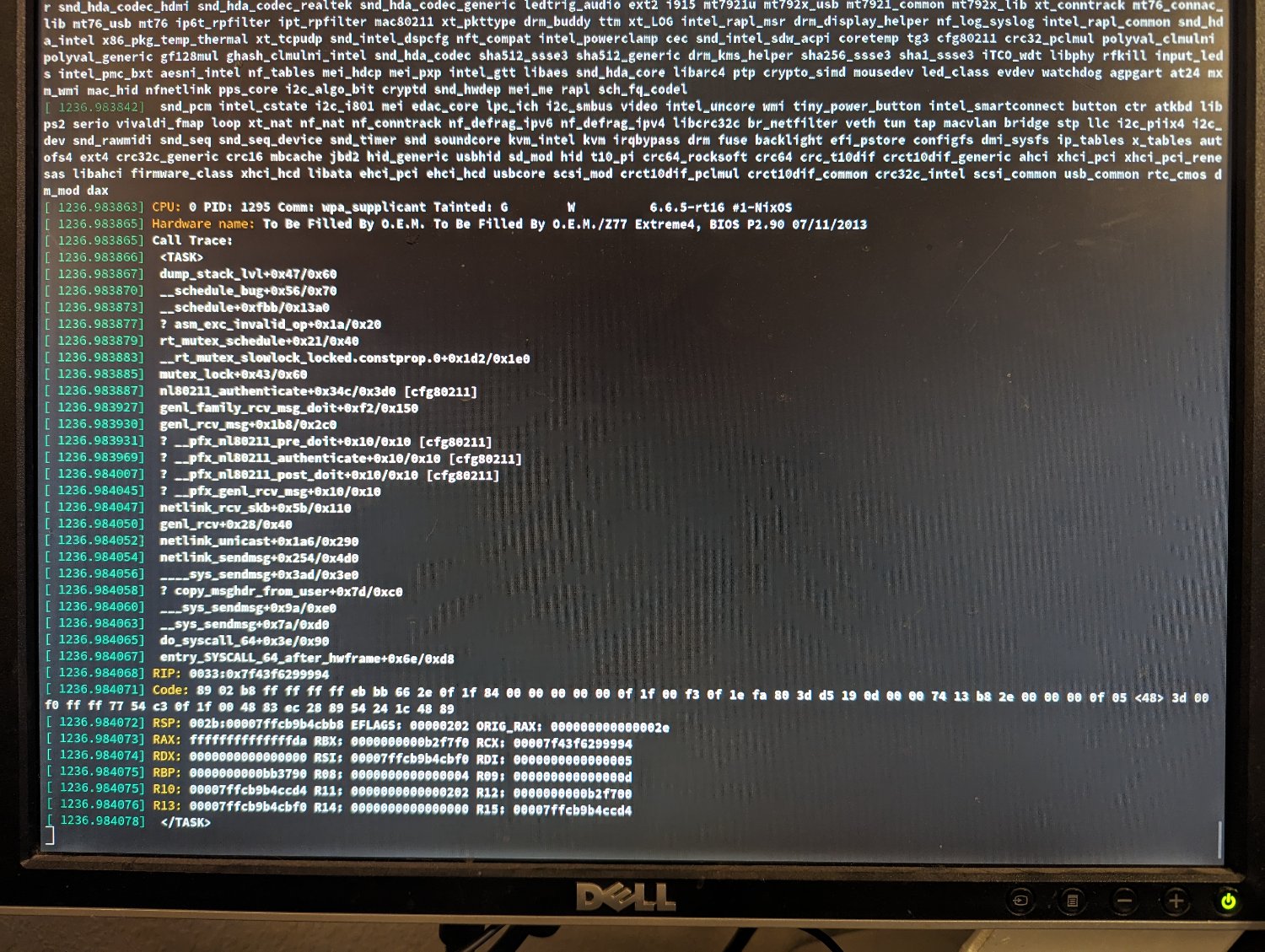
Also, what do you mean by crashes? Kernel panic? Random app death because the oom killer was activated should be expected when pushing the memory limits on Linux.
I’m running 8 and 32 in my T490, seems to work fine. I’m building software and leaking memory like crazy and it’s never been weird. I don’t see why 8 + 32 would be any different than 8 + 16 other than capacity.
Doesn’t the channel balance not matter that much? Like operations can be done in parallel. I always thought the benefits came from reading different things from each ram chip not synchronizing them byte for byte.
Check your disk usage with df -h
When my machine gets weird it’s always out of disk space.
Let’s see how this goes then revisit the question.


What vm hypervisor do you use? Are some more secure than others?